Calender Management
MLMP Access
For Admin
- Add user's BFH short name to the users group of the respective system:
sudo vipw -g
-
Add user to the MLMP MS Teams: … -> Add Member
-
Add user to the MLMP Calendar: ()
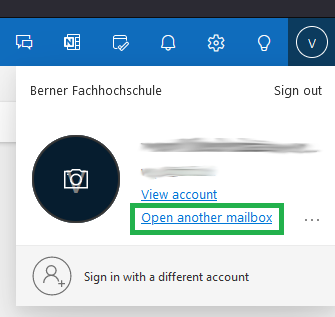
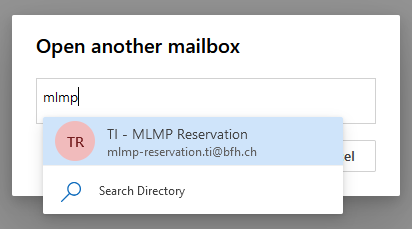
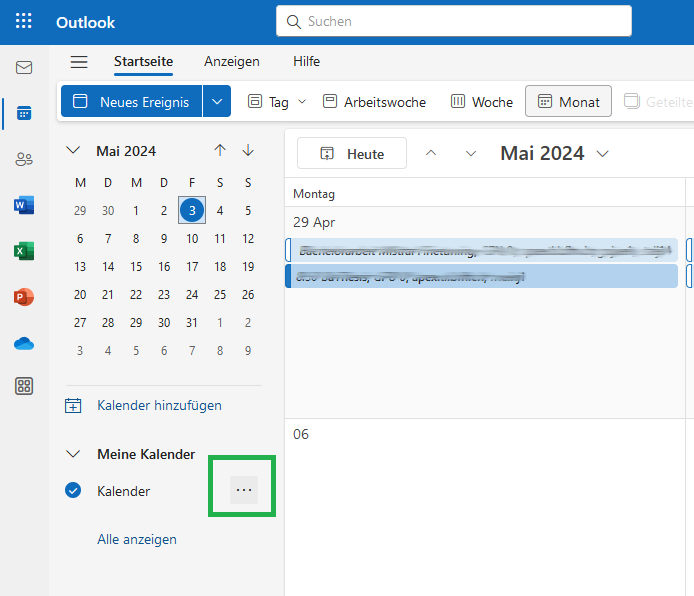
Choose "Teilen und Berechtigungen"
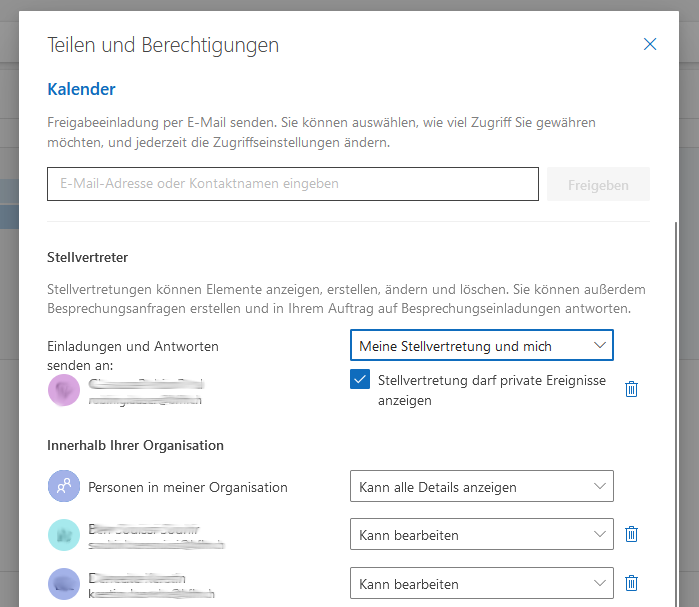
Add BFH short name, look up user, and add with permissions "Kann bearbeiten"